
Gemini Watermark Remover
Drop your Gemini image and the Gemini Watermark Remover cleans it locally in your browser. No upload, no signup.


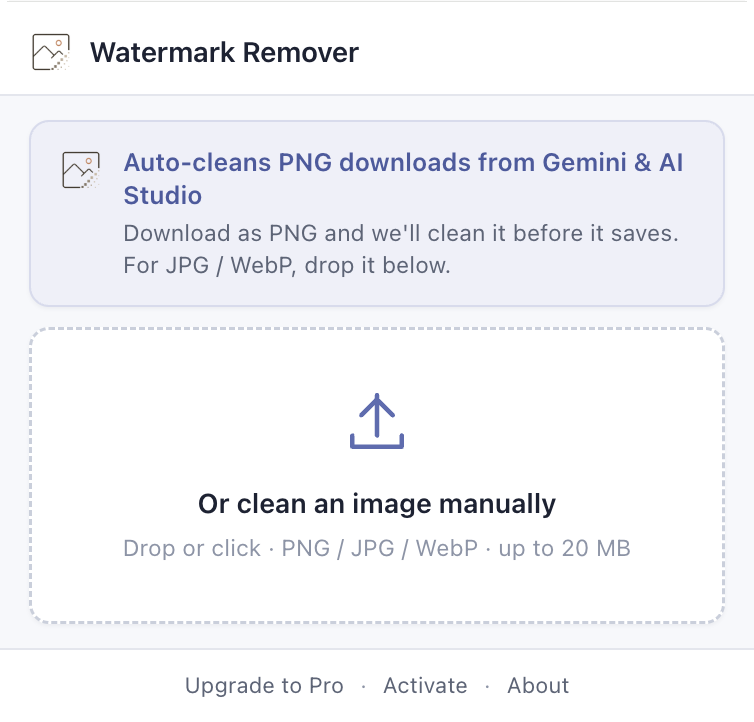
Gemini Watermark Remover Chrome Extension
One install. Every Gemini image you download is already clean of the watermark.
- Auto-detects every Gemini image as it downloads
- Cleans the watermark in your browser. Nothing uploaded.
- Works on gemini.google.com and aistudio.google.com
- Free Gemini watermark remover, no signup
Free Online Gemini Watermark Remover, Browser-Local
Free Gemini watermark remover
Drop the image, watch it clean up, save the result. No waiting room, no progress bar that lies to you.
Your image never leaves your device
The Gemini Watermark Remover runs right on your computer. The picture you drop in never leaves the page you are looking at.
Works on Google Gemini images and Nano Banana
Whether your image came from Gemini 2.0, Nano Banana, or Imagen, the watermark is the same four-pointed star. The Gemini Watermark Remover detects and removes it from all three.
Pixel-accurate, no quality loss
For PNG saved straight from Gemini, the reverse-alpha math is mathematically exact. Only the pixels under the watermark change. The rest of your image is untouched.
How to Remove the Gemini Watermark Using the Chrome Extension
- Step 01
Install the Chrome extension once
Add the Gemini Watermark Remover to Chrome. The icon settles into your toolbar and stays out of the way.

- Step 02
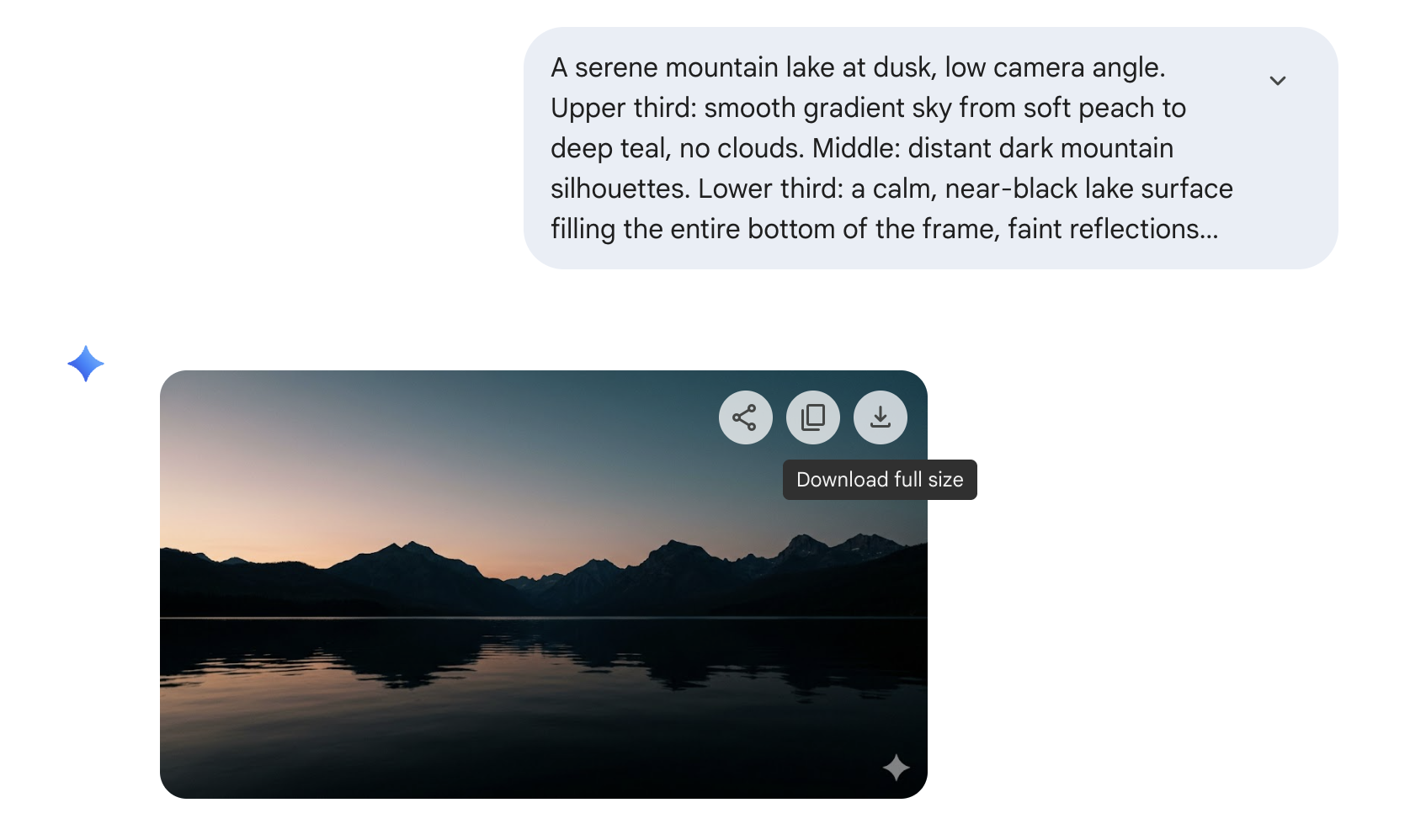
Use Gemini and download as you always do
Generate, browse, save your favorites with Gemini’s own download button. No new shortcut, no menu to find.
- Step 03
Your saved file is already clean of the Gemini watermark
The Gemini Watermark Remover cleans it in your browser before the file lands on disk. Nothing uploaded.

What people say about the Gemini Watermark Remover
Did exactly what I needed. Done in two seconds. I keep it bookmarked now.
The best part is the image still looks right after. I have tried tools where the picture comes back fuzzy. Not this one.
Worked first try, on the phone, with no signup. That is all I wanted.
I keep the tab open while I'm writing. Drag the cover in, clean version pops out, paste into the post.
Checked the network tab before I trusted it. Nothing leaves the browser. That mattered for the work images I run through it.
Knew going in it wouldn't touch SynthID. I only wanted the corner badge off my slides, and that part it does well.
I make slides for my class every week. Cropping the watermark off was killing the framing. This fixed that.
Six or seven cover images per post and I never have to think about them. Drag, download, move on.
Frequently Asked Questions about the Gemini Watermark Remover
Try the Free Gemini Watermark Remover
Drop a Gemini image at the top of the page and the Gemini Watermark Remover cleans it in your browser in seconds.
Try it now